

Sign up for Innovas HSA

Last updated: Jun 09, 2024
49
views

Hello, this article will walk you through signing up for an Innovas Health Equity HSA.
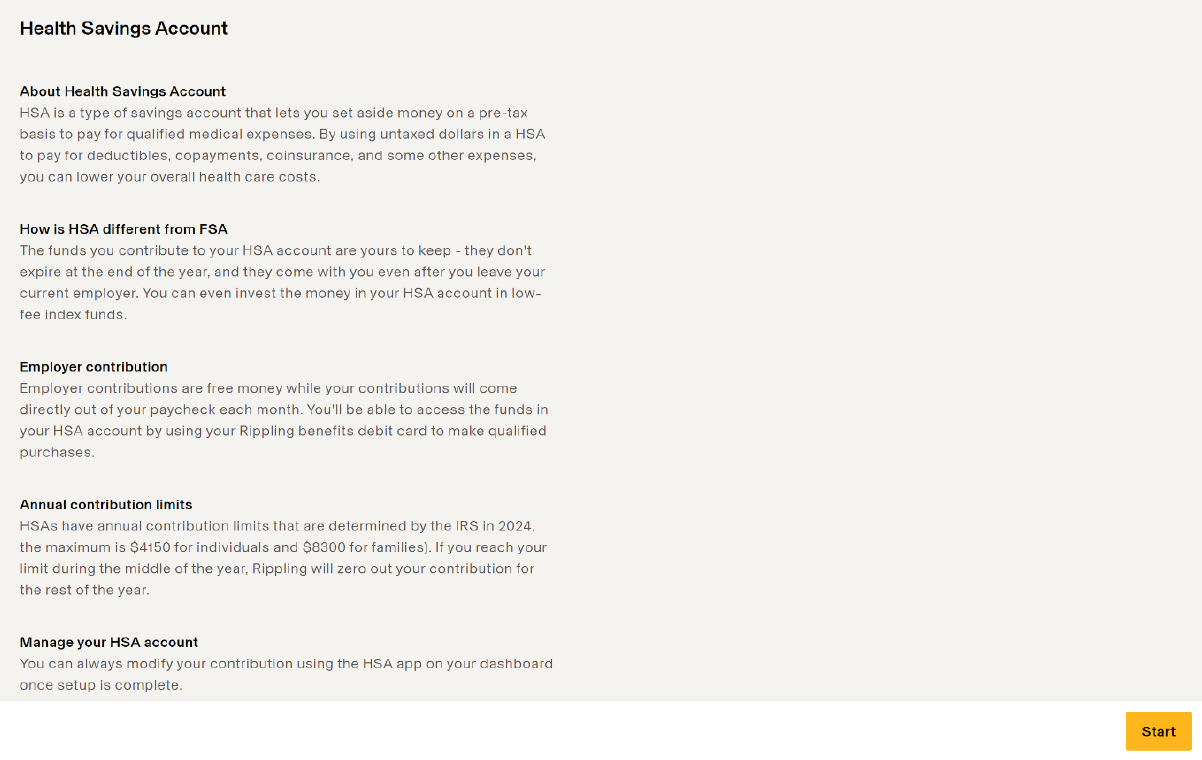
- If you signed up for the United Healthcare plan CMOO, you will have an onboarding checklist item to sign up HSA; click Start on the checklist item.
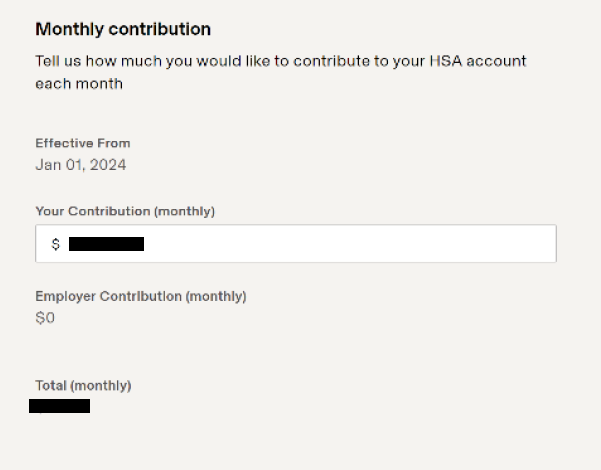
- Enter the monthly contribution you wish to make, then click Continue.
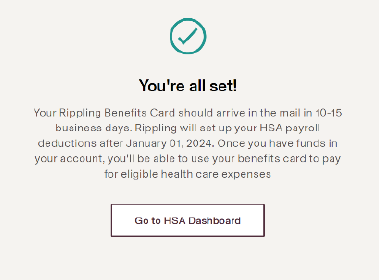
- Confirm the review of your choices and continue, then click Go to HSA Dashboard.
- If you don't already have one set up, you will need to add a reimbursement bank account in Rippling. On HSA dashboard, click on Add bank account.
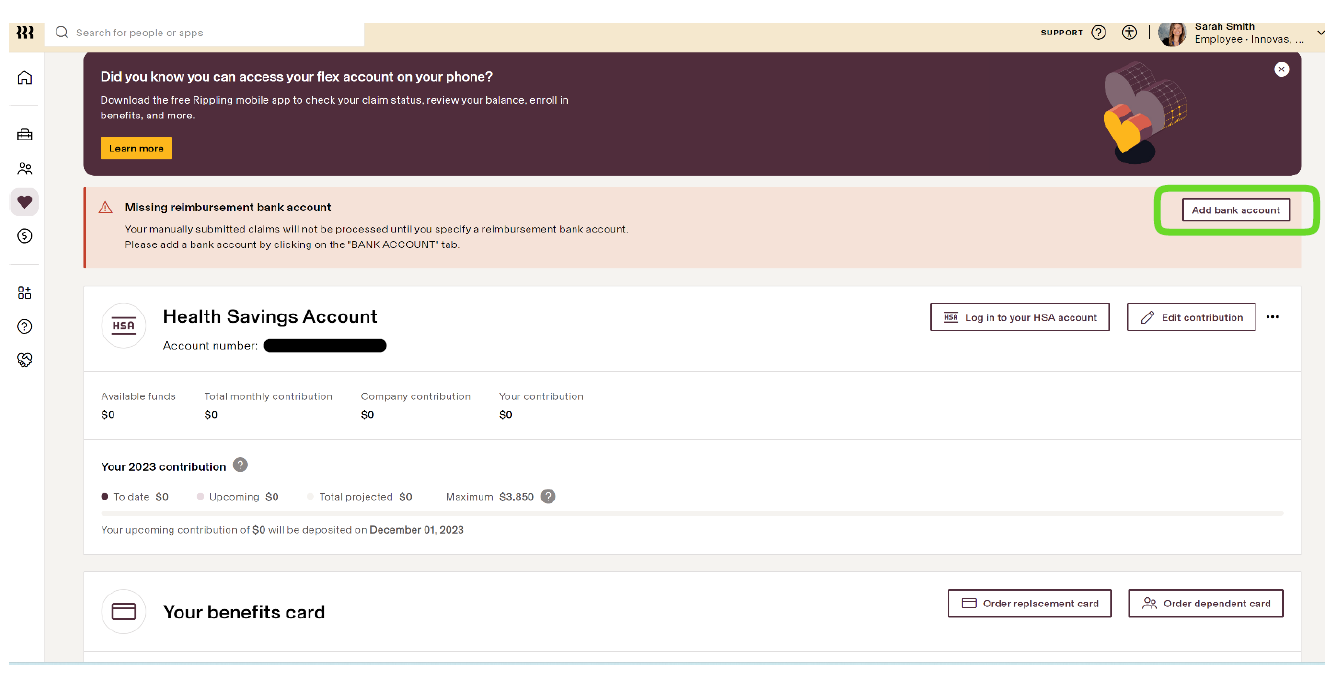
- Follow the prompts to enter and save your bank account information.
Helpful Links
Qualified Medical Expenses (QME)
Member Services: +1 (866) 346-5800

