

DoD Mandatory CUI Training

Last updated: Jun 09, 2024
57
views

Hello, this article will walk you through completing the DoD Mandatory CUI training.
- Get started by navigating to the DoD Mandatory Controlled Unclassified Information (CUI) Training.
- Select Launch Course at the bottom of the page.
- Select any applicable accessibility options and click CONTINUE.
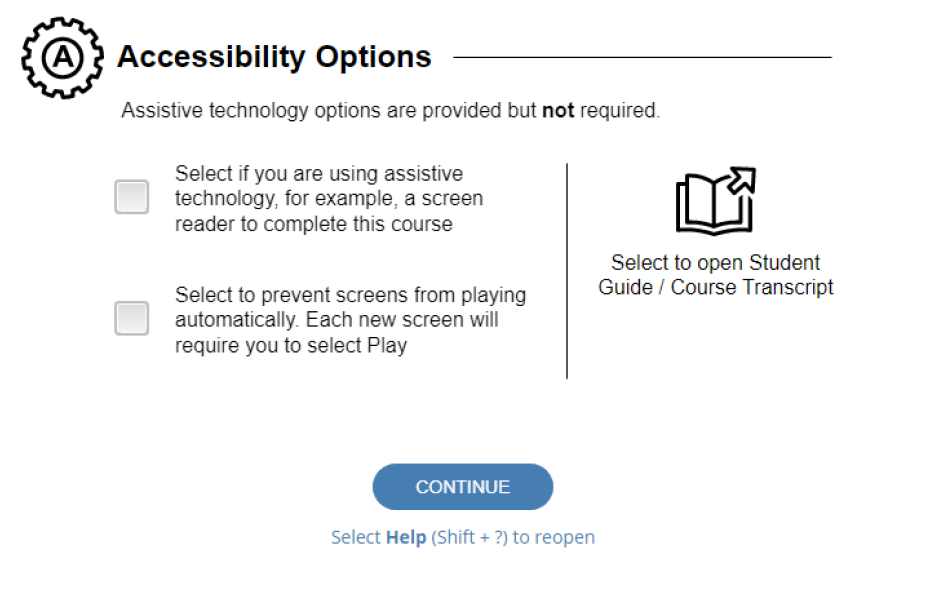
- If desired, read through the available keyboard shortcuts and click CONTINUE.
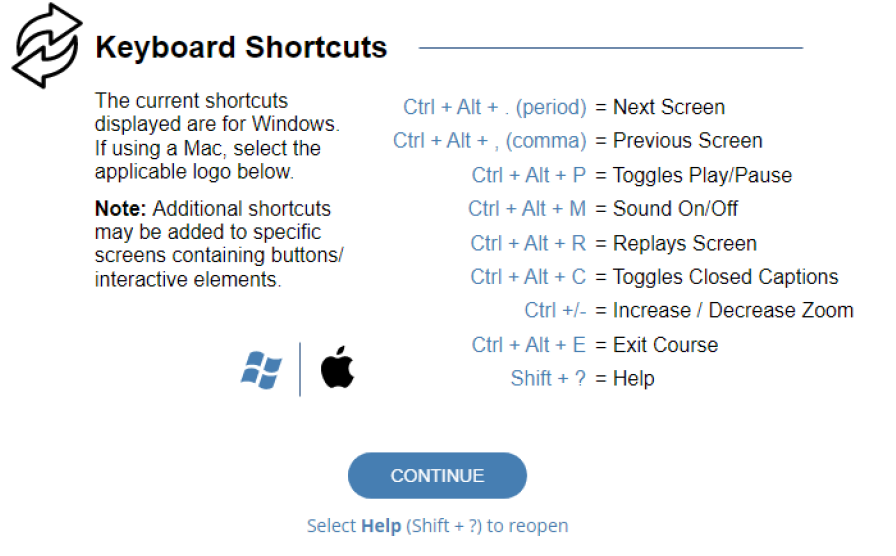
- Continue through any further prompts and start the course.
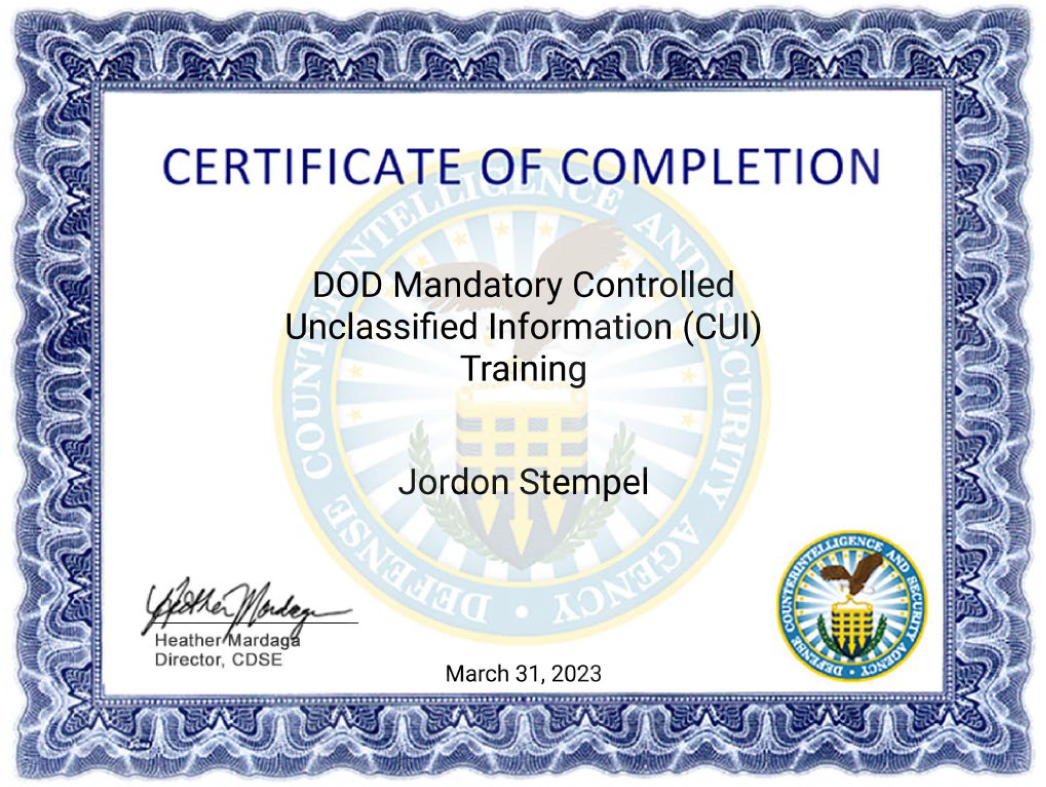
- After completing the course, download the Certificate of Completion and send it to [email protected].
Course Resources for DoD Controlled Unclassified Information (CUI) Training IF131.06

